Submit to SaaSHub: Free Listing Requirements
How to submit to SaaSHub: free listing rules, rejected product types, competitor and category requirements, and domain-email verification.
Quick facts
- Website
 saashub.com
- Platform
- Directory
- Suitable products
- SaaS, Developer tools, Consumer products
- Submission
- Free · Accepting submissions
- Pricing notes
- Paid 'Feature My Product' promotion is a separate, optional purchase.
- Listing link (observed)
- Do-follow Checked on a sampled listing (2026-11-09). One observation, not a guarantee for every listing.
Is SaaSHub right for your product?
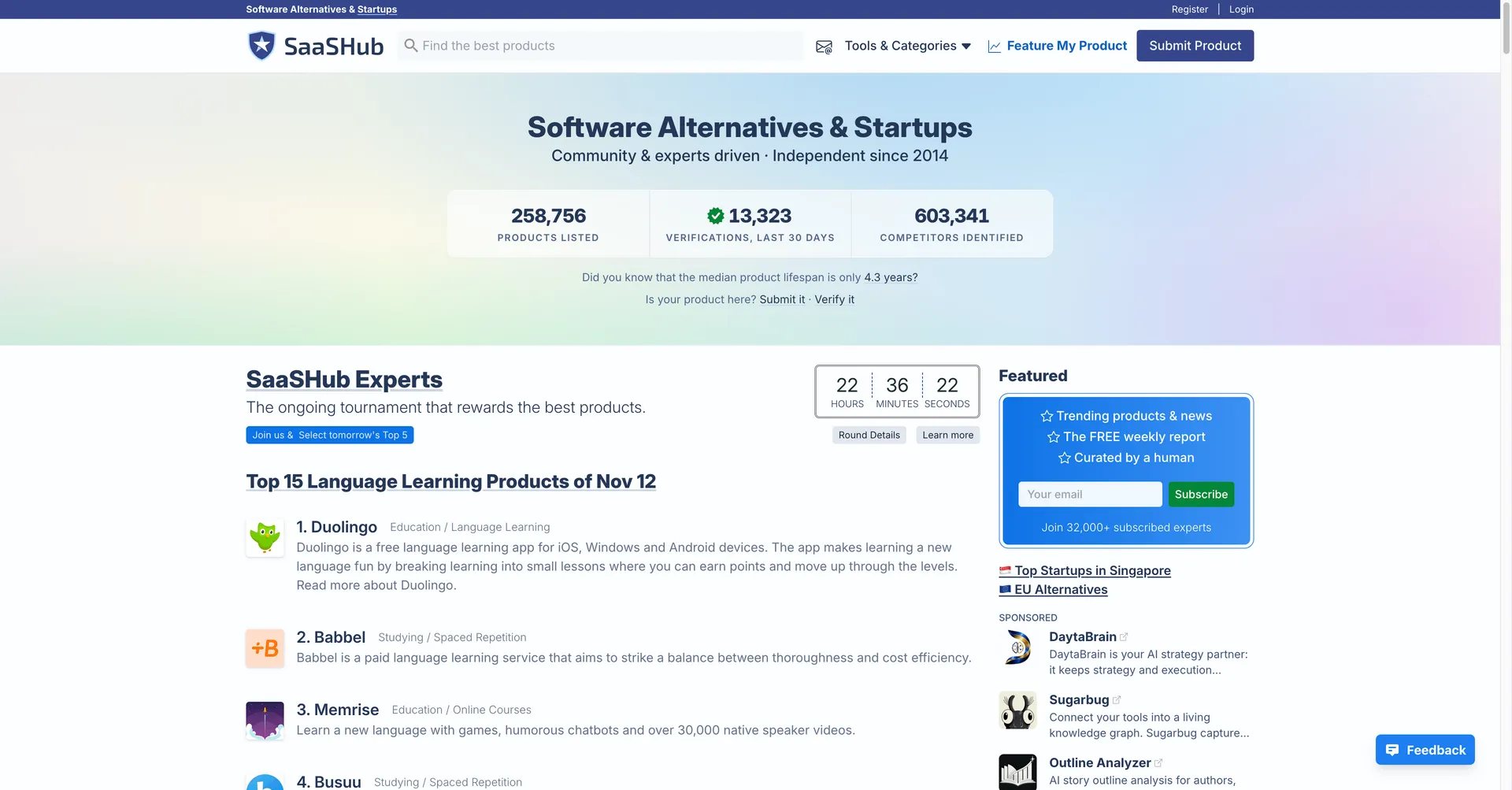
SaaSHub is a software alternatives directory with a human approval process. Listings place products into category and competitor pages so visitors can compare similar software.
Accepted types (per the official page): SaaS, IaaS and PaaS products and services; most software products and apps; mobile apps with decent websites; niche-leading websites and services.
Explicitly rejected: software development agencies; waiting-list
landing pages; unreleased products (rejected immediately); products on
free subdomains (e.g. my-app.vercel.app); products not available in
English.
If your product is live, in English, and on its own domain, it meets the basic conditions to be considered; SaaSHub still makes the final editorial decision.
Review expectations
Every submission goes through a human approval process. The official page does not state a review duration, so treat the wait as unknown — do not trust any third party promising a fixed SaaSHub turnaround. SaaSHub also preserves the right to reject or remove products after approval.
What kind of link you get
On the sampled alternatives page, the primary "Visit website" listing link
carried no rel restriction (followed). Secondary links such as pricing,
blog, and GitHub were nofollow (see Sources). This is one sampled page,
not a guarantee for every SaaSHub listing.
Materials to prepare
- A released product on its own domain (not a free subdomain).
- A real website — not a waitlist page with an email form.
- A few relevant categories. The official advice: check which categories your competitors use and list those.
- A list of competitors. This matters more than most founders expect: per the official page, a submission without listed competitors is slowed down and put at the bottom of the queue.
- Access to an email address on the product's domain for verification (optional, but it raises review priority).
Submission steps
- Open the official "Submit a Product" page (see Sources).
- Enter your website URL — a product site or a product page on your company site.
- Add your categories, mirroring where your competitors are listed.
- Add your competitors so the review team can place you in the right alternative comparisons — skip this and you queue-jump backwards.
- Verify the product with a domain email address for higher priority.
- Submit and wait for the approval decision. Recheck the listing after approval and correct categories if needed.
Costs and promotion, kept separate
The listing itself is free. SaaSHub separately sells featured placement ("Feature My Product"); it is optional and independent of approval.
Common mistakes
- Submitting a pre-launch/waitlist page — immediate rejection per the official rules.
- Using a free subdomain instead of the product's own domain.
- Leaving competitors blank — the submission drops to the bottom of the queue.
- Submitting a dev agency or a non-English product.
- Trying to submit by email — not accepted.
Sources
- SaaSHub — Submit a Product (official guidelines and rules, checked 2026-11-09)
- Sampled alternatives page (observed listing link attributes, checked 2026-11-09)
This guide reflects SaaSHub's official submission guidelines as of the review date; the review duration is not published, and we claim no first-hand submission outcome.
Ready to submit to SaaSHub?
Jump to the official submission page when your launch materials are ready — it opens in a new tab, so this guide stays beside it.
Submit on SaaSHub