
Unscreen Pro
Unscreen Pro is an AI-powered video background remover that automatically deletes backgrounds and unwanted objects from videos without needing a green screen.
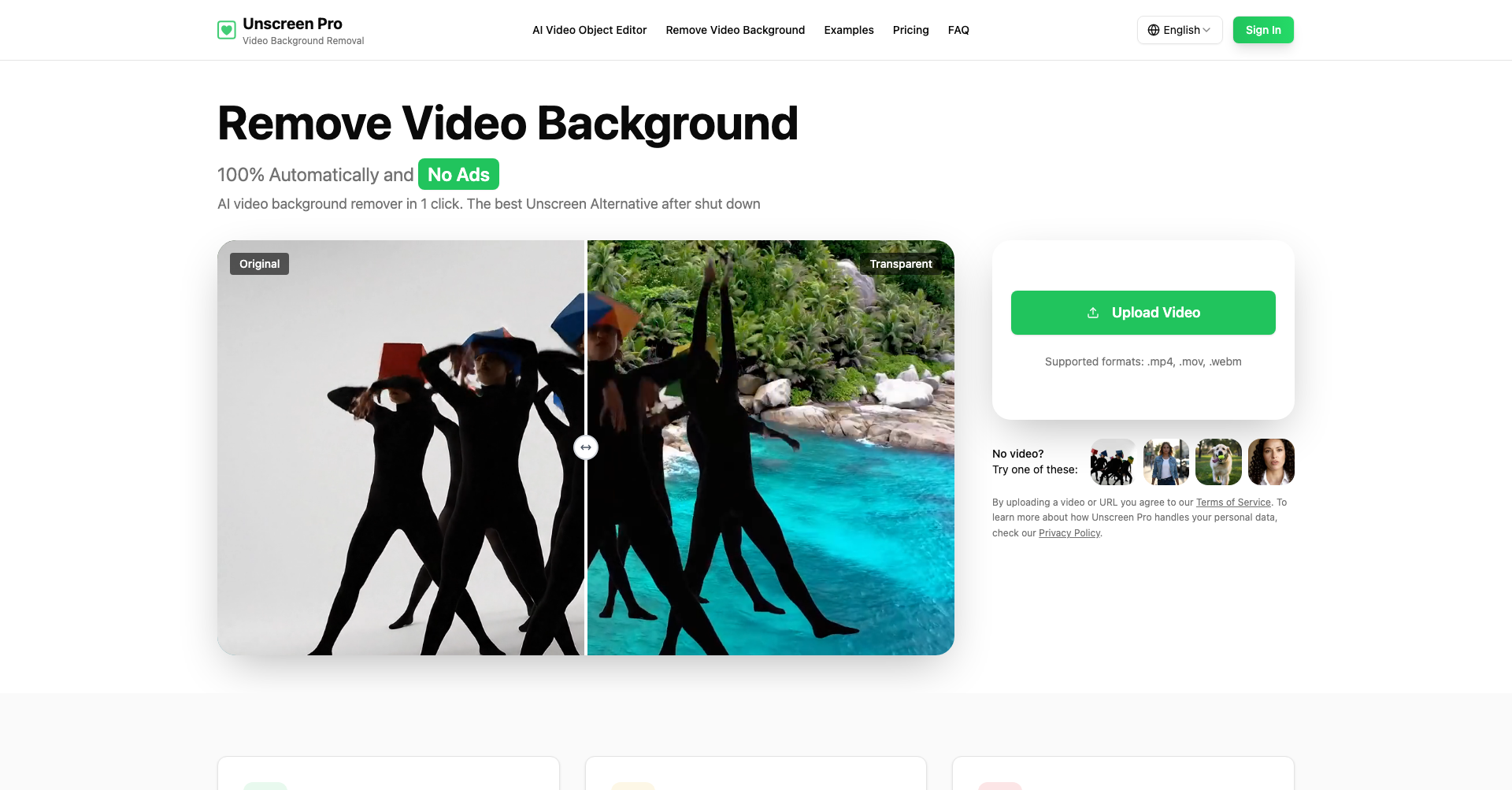
What is Unscreen Pro
Unscreen Pro is an AI-driven online video background removal platform designed to help content creators, video editors, and businesses eliminate video backgrounds 100% automatically. Functioning as a high-performance alternative to the original Unscreen service, it eliminates the need for expensive green screen equipment, complex studio setups, or tedious frame-by-frame rotoscoping.
By leveraging deep learning algorithms, Unscreen Pro analyzes each video frame in real time to accurately distinguish foreground subjects—including people, animals, and moving objects—from complex backgrounds, producing clean transparent outputs or seamless background replacements in seconds.
Key Features
- Automatic AI-Powered Background Removal: Remove video backgrounds in a single click without manual masking, pixel picking, or chroma keying.
- No Green Screen Required: Process footage filmed anywhere under varying lighting conditions without studio setups.
- Support for People, Pets, and Objects: Accurately isolates human subjects, pets, products, and moving elements with edge precision.
- Object Removal & Video Editing: Detects and cleans up unwanted background items and distractions in your footage.
- Multi-Format Compatibility: Seamlessly upload and process popular formats including MP4, MOV, WebM, AVI, and GIF.
- High-Resolution Exports: Generates outputs ranging from standard definition previews up to crisp 1080p and 4K resolutions.
- Developer-Friendly API: Offers high-throughput API integration for batch video processing and automated workflows.
- Privacy and Data Security: Uploaded media is securely encrypted during processing and automatically purged from servers within 24 hours.
Use Cases
- Social Media & Content Creation: Create dynamic videos, clips, and memes for platforms like YouTube, TikTok, and Instagram with customized virtual backdrops.
- Post-Production & Video Editing: Accelerate editing timelines by replacing manual chroma keying and rotoscoping workflows.
- E-Commerce & Product Demos: Isolate products or models to place them in clean, brand-consistent marketing materials.
- Corporate Communications: Produce professional video presentations, webinars, and training modules without dedicated studio space.
Frequently Asked Questions About Unscreen Pro
Do I need a green screen to use Unscreen Pro?
No, Unscreen Pro uses advanced computer vision to separate subjects from backgrounds in footage shot in everyday environments.
What video file formats can I upload?
Unscreen Pro supports standard formats such as MP4, MOV, WebM, and GIF.
Does Unscreen Pro offer commercial usage rights?
Yes, commercial use is supported on paid plans, making it suitable for client deliverables, advertisements, and business media.
Are my uploaded videos kept private?
Yes, your uploads are processed over encrypted channels and deleted automatically within 24 hours to ensure user data privacy.
Put your product in front of engaged visitors. Get your spot now!
Website
https://unscreen.pro/Publish Date
October 5, 2026